 |   | |
| HomePrev | Part V. Circulation - Patron Record | Next |
|---|
Abstract
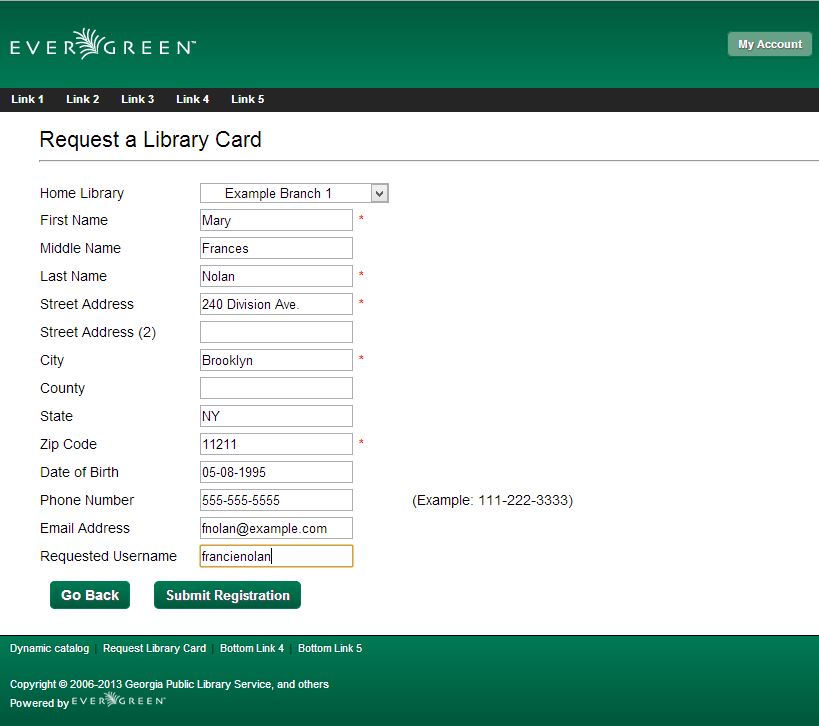
Patron Self-Registration allows patrons to initiate registration for a library account through the OPAC. Patrons can fill out a web-based form with basic information that will be stored as a “pending patron” in Evergreen. Library staff can review pending patrons in the staff-client and use the pre-loaded account information to create a full patron account. Pending patron accounts that are not approved within a configurable amount of time will be automatically deleted.
Patron Self-Registration
Managing Pending Patrons
To report a problem with this documentation or provide feedback, please contact the DIG mailing list.
© 2008-2015 GPLS and others. The Evergreen Project is a member of the Software Freedom Conservancy.
